
Code Injection for WordPress
Add header, body, and footer code from one editor, so analytics tags, verification codes, and small tweaks survive every theme update.
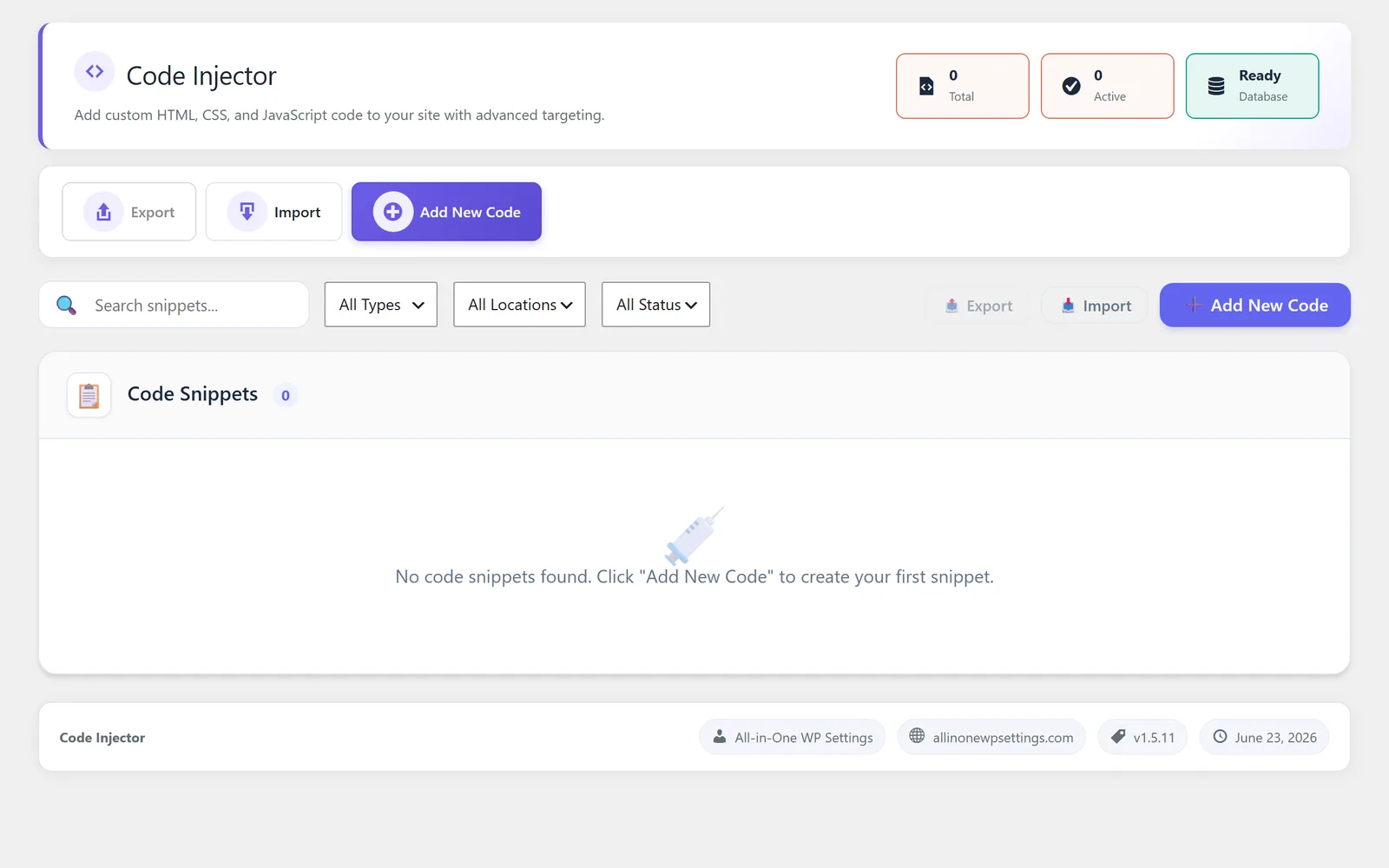
Add WordPress header and footer code without editing theme files
Code Injection is the part of All-in-One WP Settings that lets you add WordPress header and footer code from a single, dedicated editor. The usual way to add analytics tags, verification codes, or a quick style fix means editing theme files, which is easy to break and gets wiped the next time the theme updates. This module keeps those snippets outside the theme, so they stay in place no matter how often you update. You add code to the header, body, or footer, then manage every snippet from one clear list. It is built for the small, common additions that almost every site needs.
Best for: Site owners, marketers, and agencies who need to drop in analytics tags, verification codes, or a small style tweak without touching theme files or hiring a developer.
See Code Injection in action
What you can do inside Code Injection
- Add header, body, or footer code from a dedicated editor
- Manage every snippet from one organized list
- Keep snippets outside theme files, so they survive theme updates
- Place analytics tags in the header, body, or footer
- Add site verification codes for search and marketing tools
- Insert small custom CSS or short scripts through the same editor
Why Code Injection matters
Snippets survive theme updates
Because nothing is written into theme files, your analytics and verification codes stay live even after a theme update that would normally erase them.
One place for every snippet
Instead of hunting through templates and child themes, you manage all header, body, and footer additions from one list, so nothing gets lost or duplicated.
No code editing of theme files
You add what you need through a dedicated editor, which keeps the theme clean and lowers the chance of a broken layout from a stray edit.
How teams use Code Injection
-
Install analytics tags
Paste an analytics tag into the header, body, or footer so it loads on every page without theme edits.
-
Verify site ownership
Add a verification code from a search or webmaster tool to the header to confirm ownership and unlock reporting.
-
Apply a small custom tweak
Drop in a short piece of custom CSS or a small script to adjust a detail across the site through the same editor.
Code Injection guides
Step-by-step articles on setup, configuration and common problems.
Good to know: This is a snippet placement tool, not a full code editor or page builder. It handles header, body, and footer additions and small CSS or scripts, but it is not meant for large or complex application code.
Code Injection FAQ
No. Code Injection stores your snippets outside theme files, so header, body, and footer code stays in place through theme updates.
You can add code to the header, the body, or the footer using the dedicated editor, which covers the placements most analytics and verification tools ask for.
Yes. You can add small custom CSS or a short script through the same editor, which is ideal for quick tweaks without editing the theme.
Yes — Code Injection ships on every plan. Tiers differ only by the number of live production domains you can run (1, 3, or 5), never by which modules you get.
Code Injection is included on every plan
Every plan includes all 15 modules. Choose a plan, then activate Code Injection on your sites.