Backup Manager
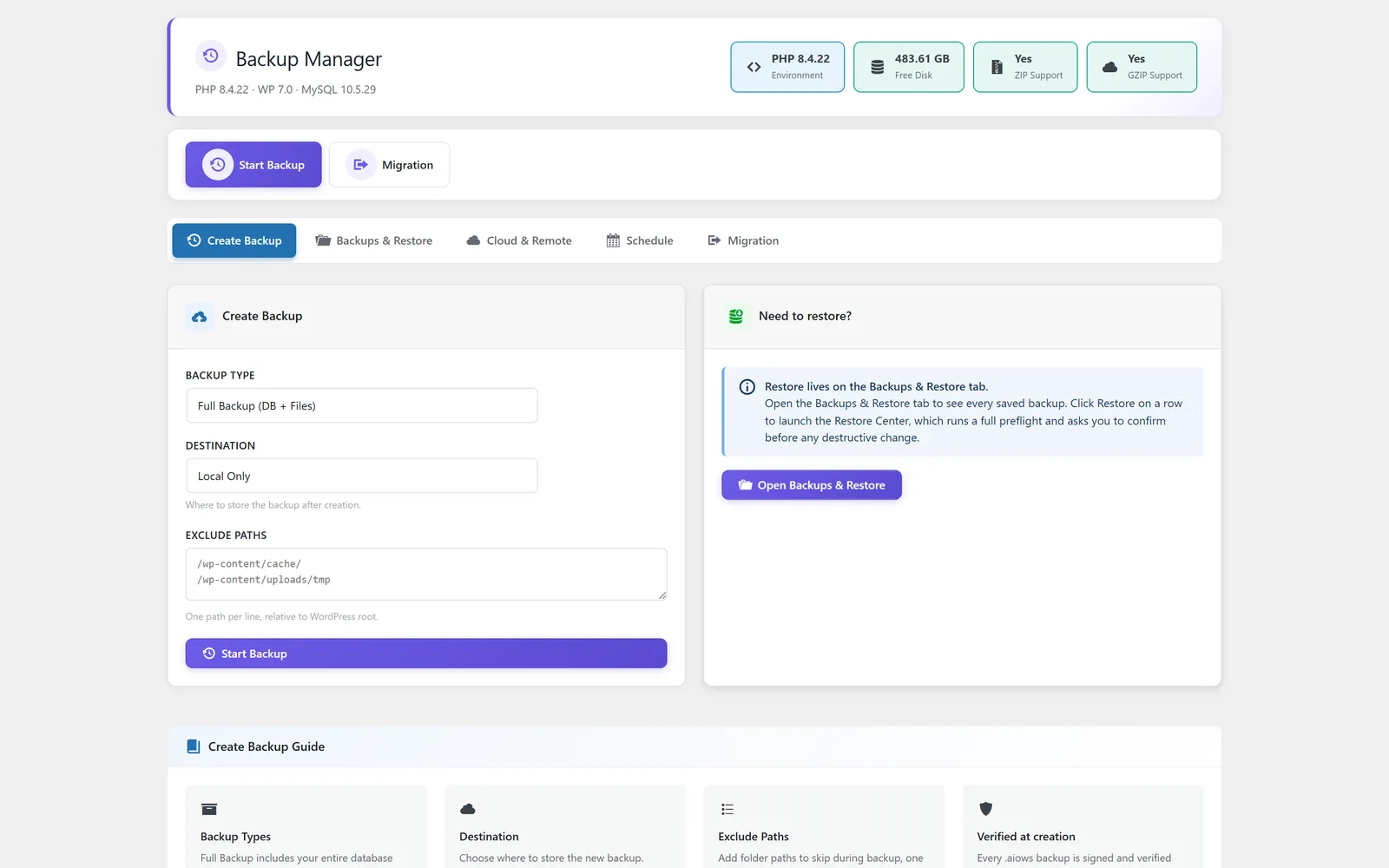
Back up, restore, review backup locations, connect cloud storage, schedule jobs, and prepare migrations.
Sixteen focused modules cover the WordPress settings, maintenance, delivery, branding, and cleanup workflows most teams need.
Back up, restore, review backup locations, connect cloud storage, schedule jobs, and prepare migrations.
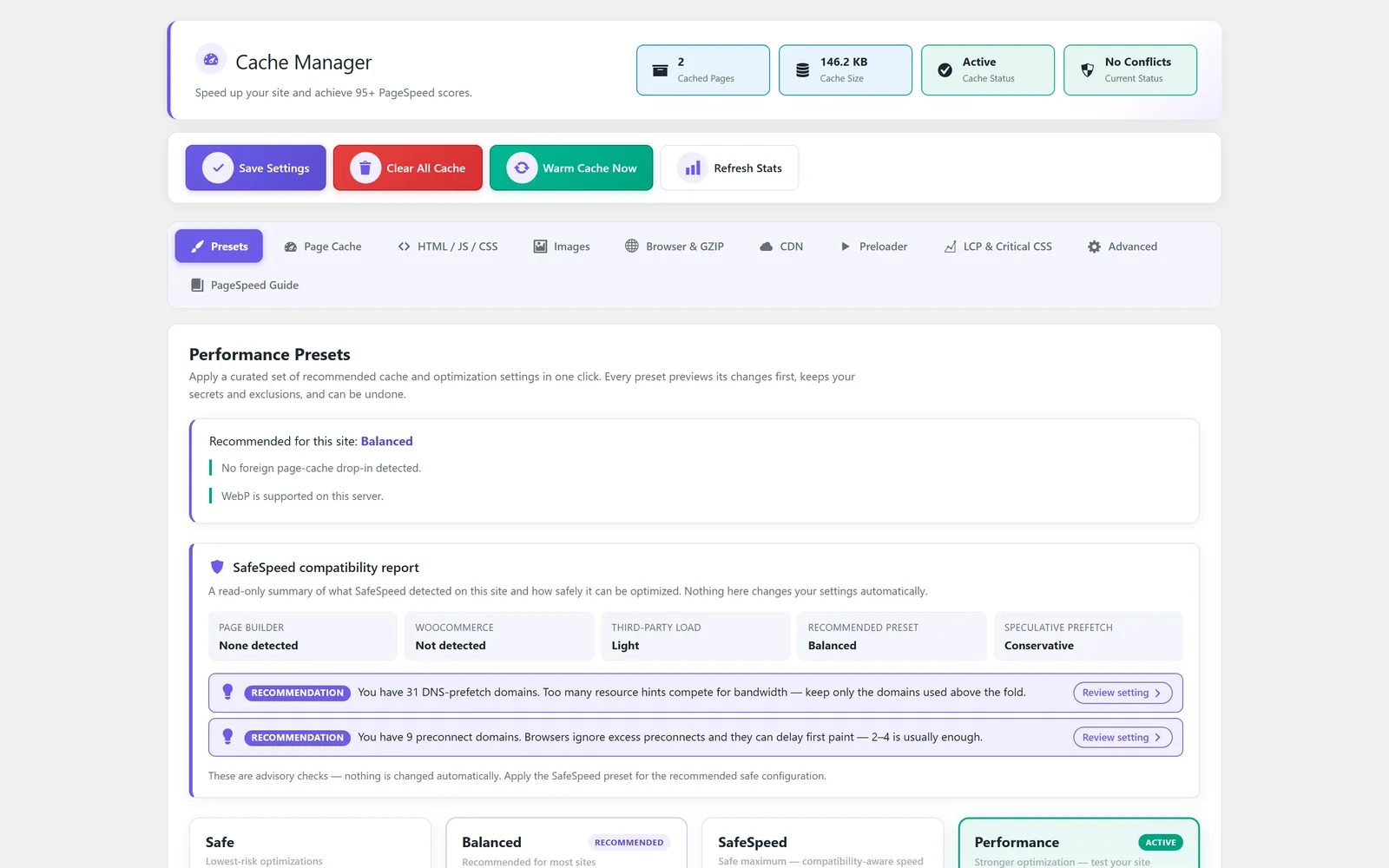
Tune page cache, optimization, images, browser cache, CDN, preload, LCP, and advanced performance settings.
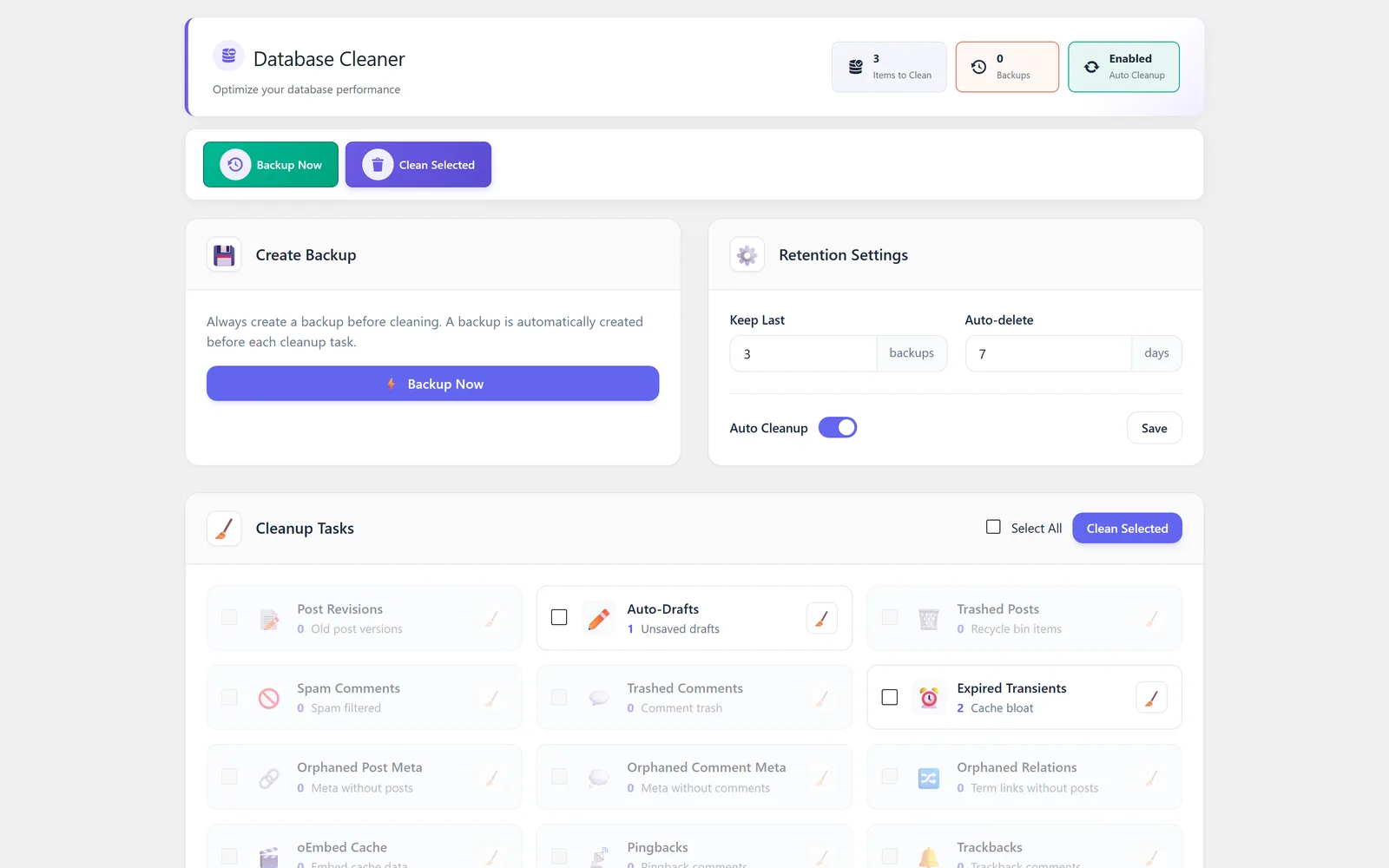
Review cleanup tasks, optimize tables, create backups, and manage cleanup safety.
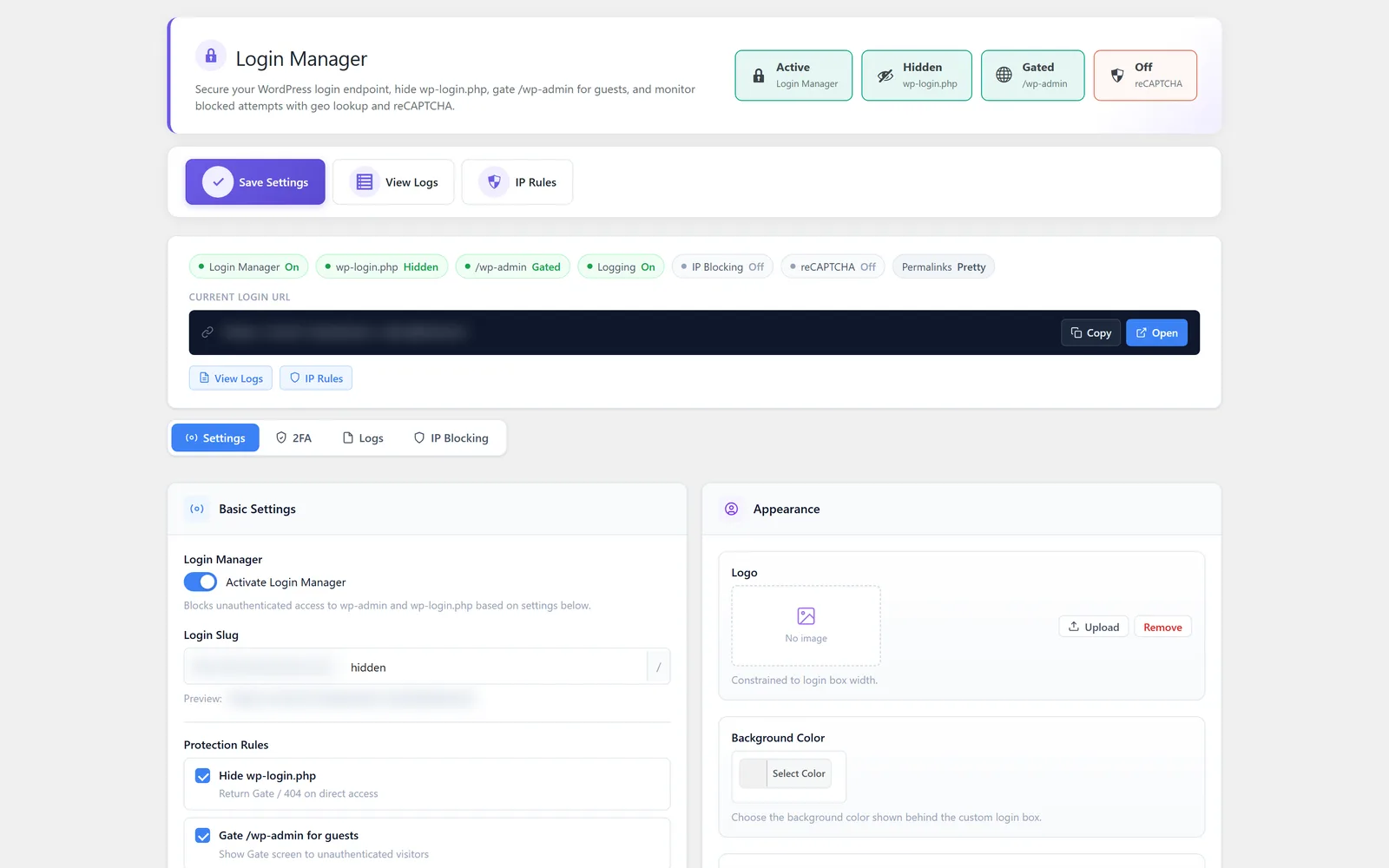
Configure login visibility, custom URLs, CAPTCHA, two-factor authentication, logs, and IP blocking.
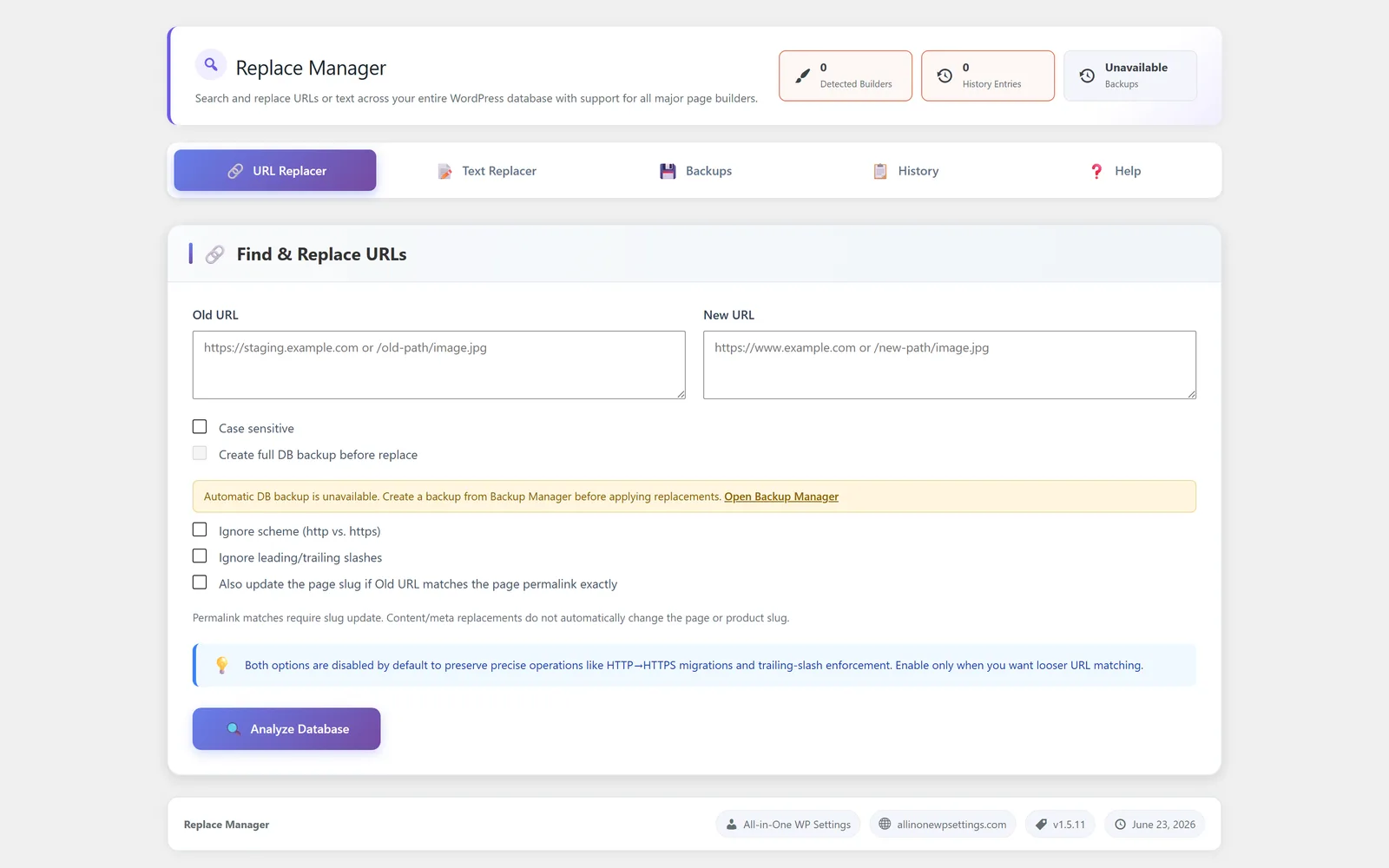
Analyze URL and text replacement operations, review history, and follow built-in safety guidance.
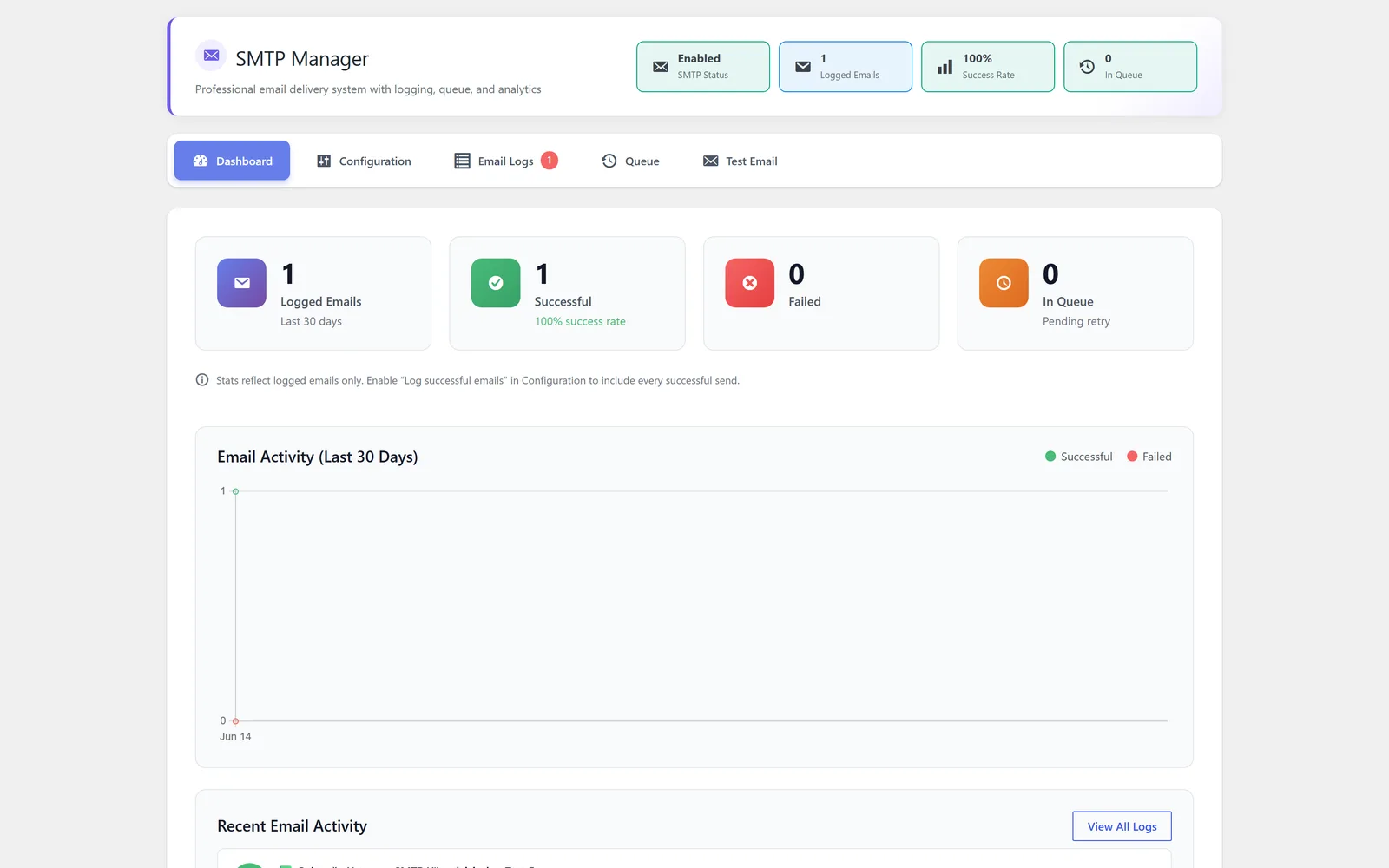
Configure SMTP delivery, authentication, logs, queue status, dashboard activity, and test email tools.
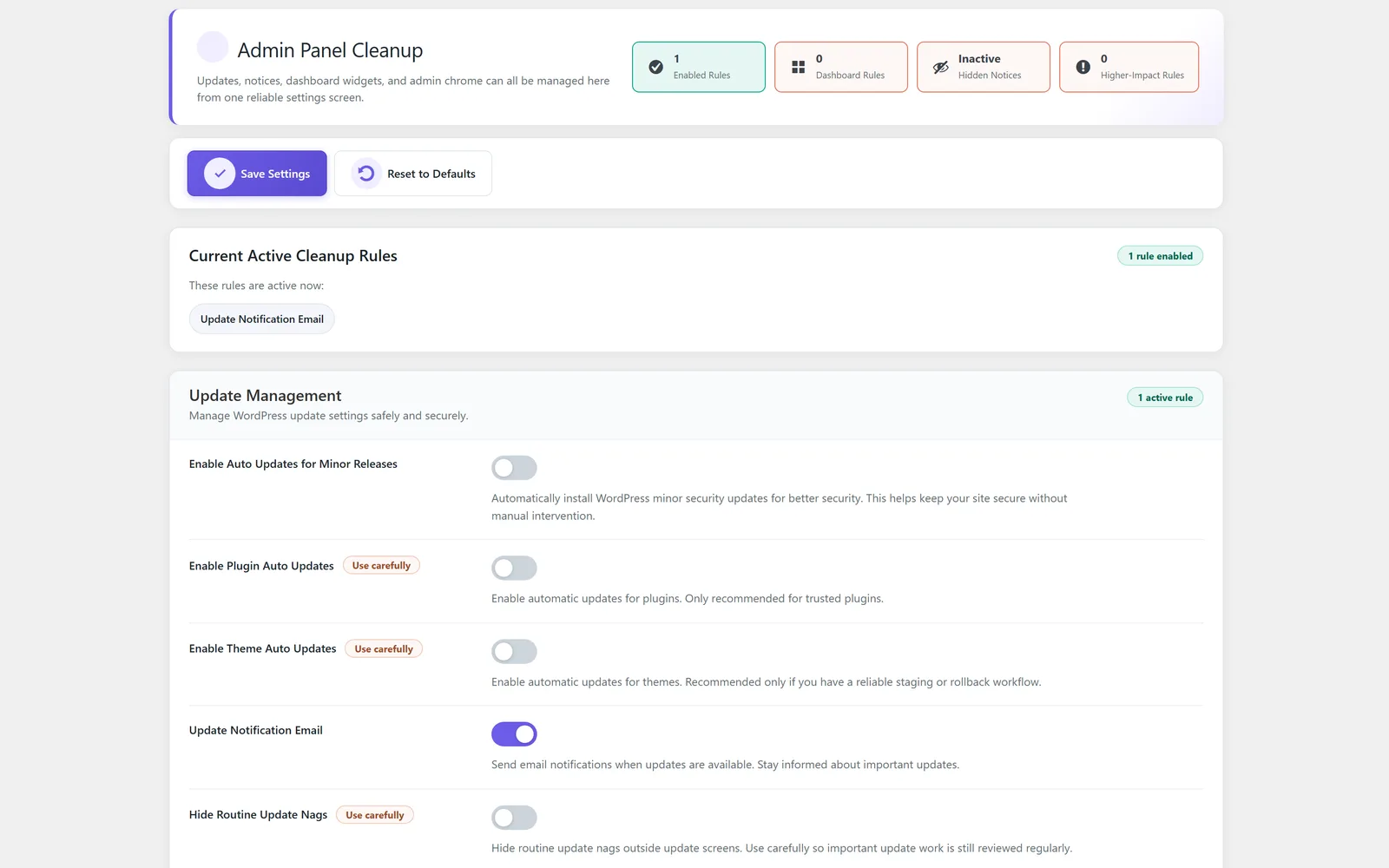
Clean up common WordPress admin clutter so site owners and teams can work in a calmer dashboard.
Support backup-minded workflows and recovery preparation from the same settings suite.
Manage cache-related controls as part of a broader WordPress performance and maintenance workflow.
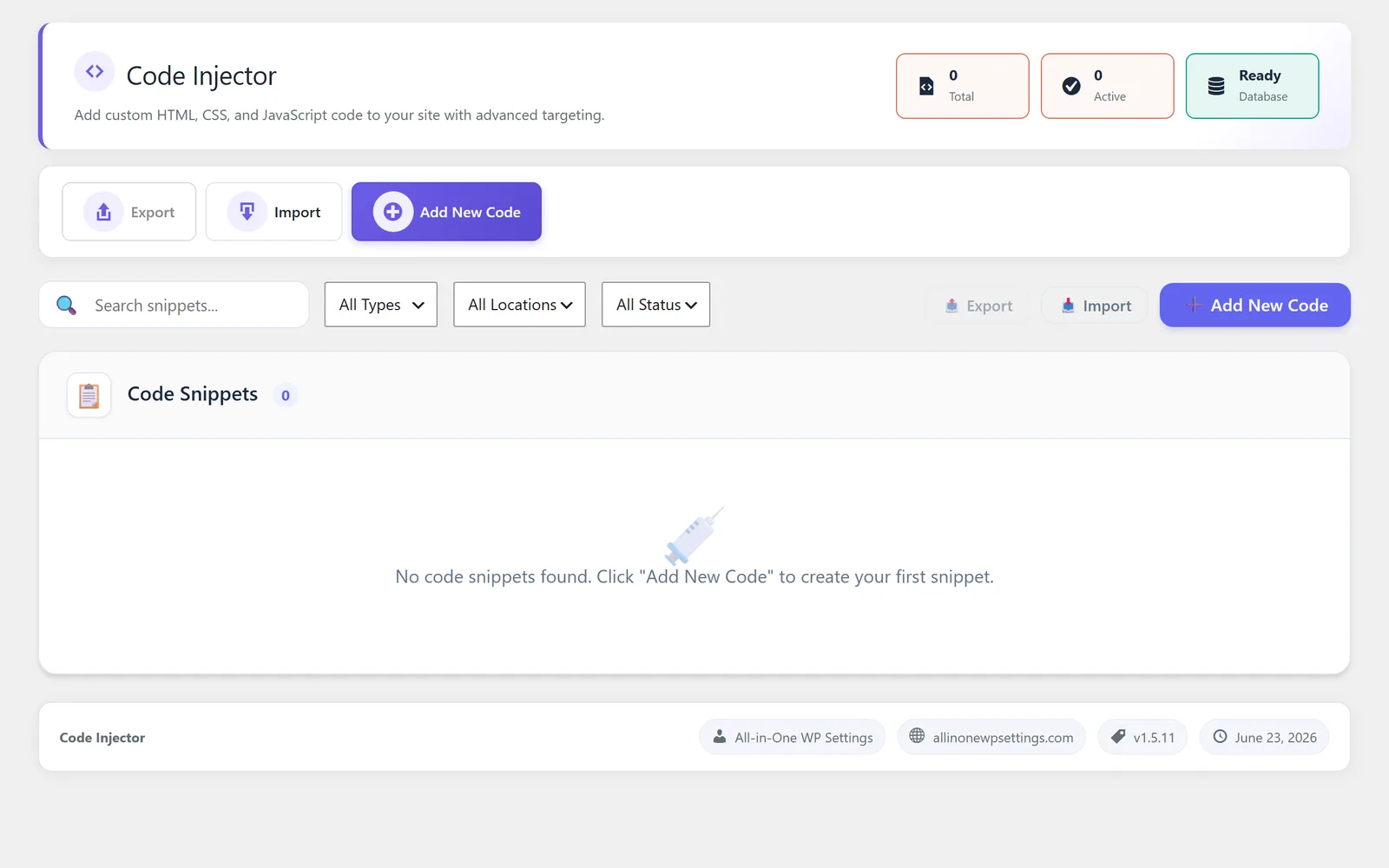
Place approved snippets and tracking code through a structured module instead of loose theme edits.
Help reduce database clutter from common WordPress leftovers and maintenance routines.
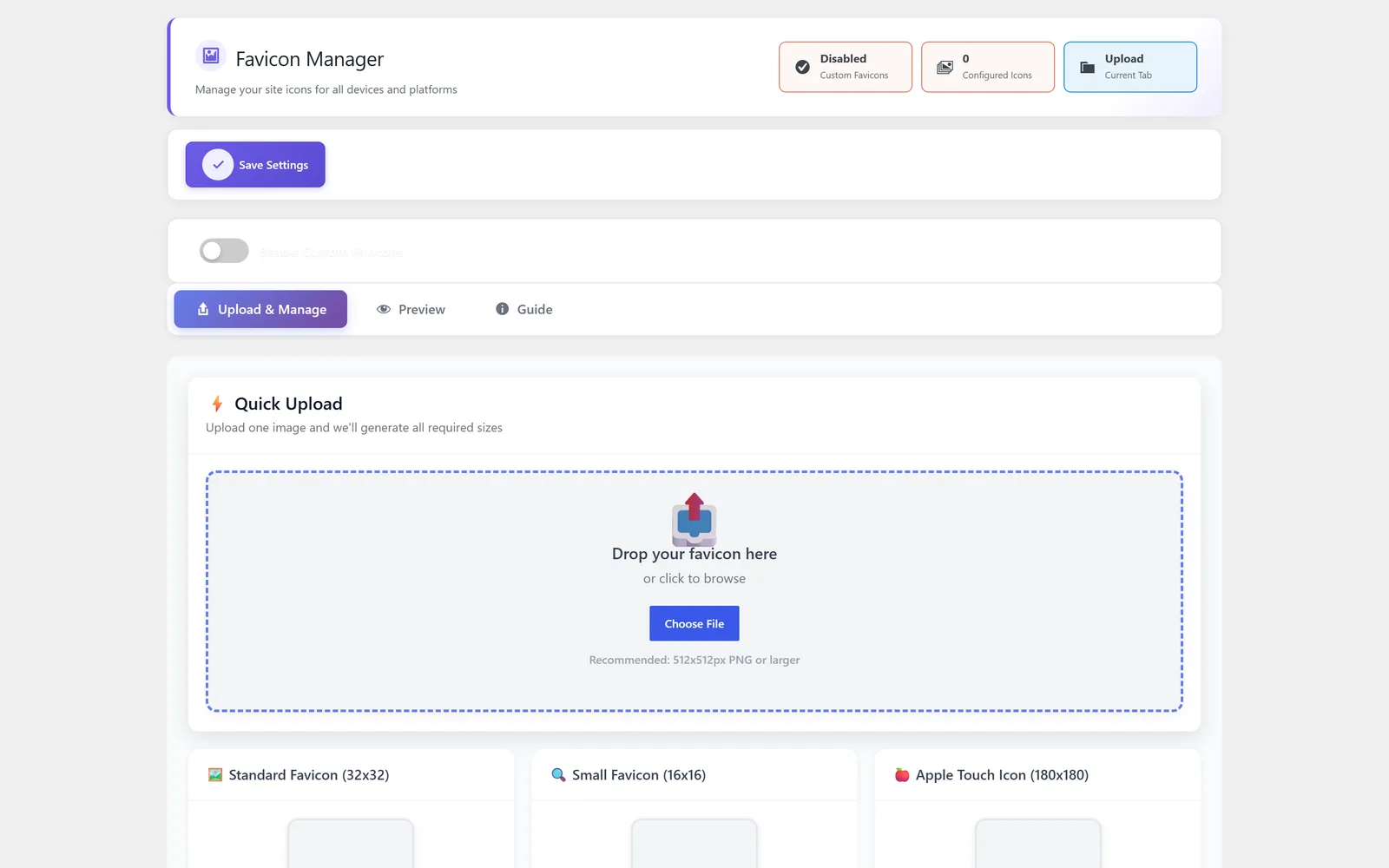
Manage favicon and brand touchpoints without digging through theme or host settings.
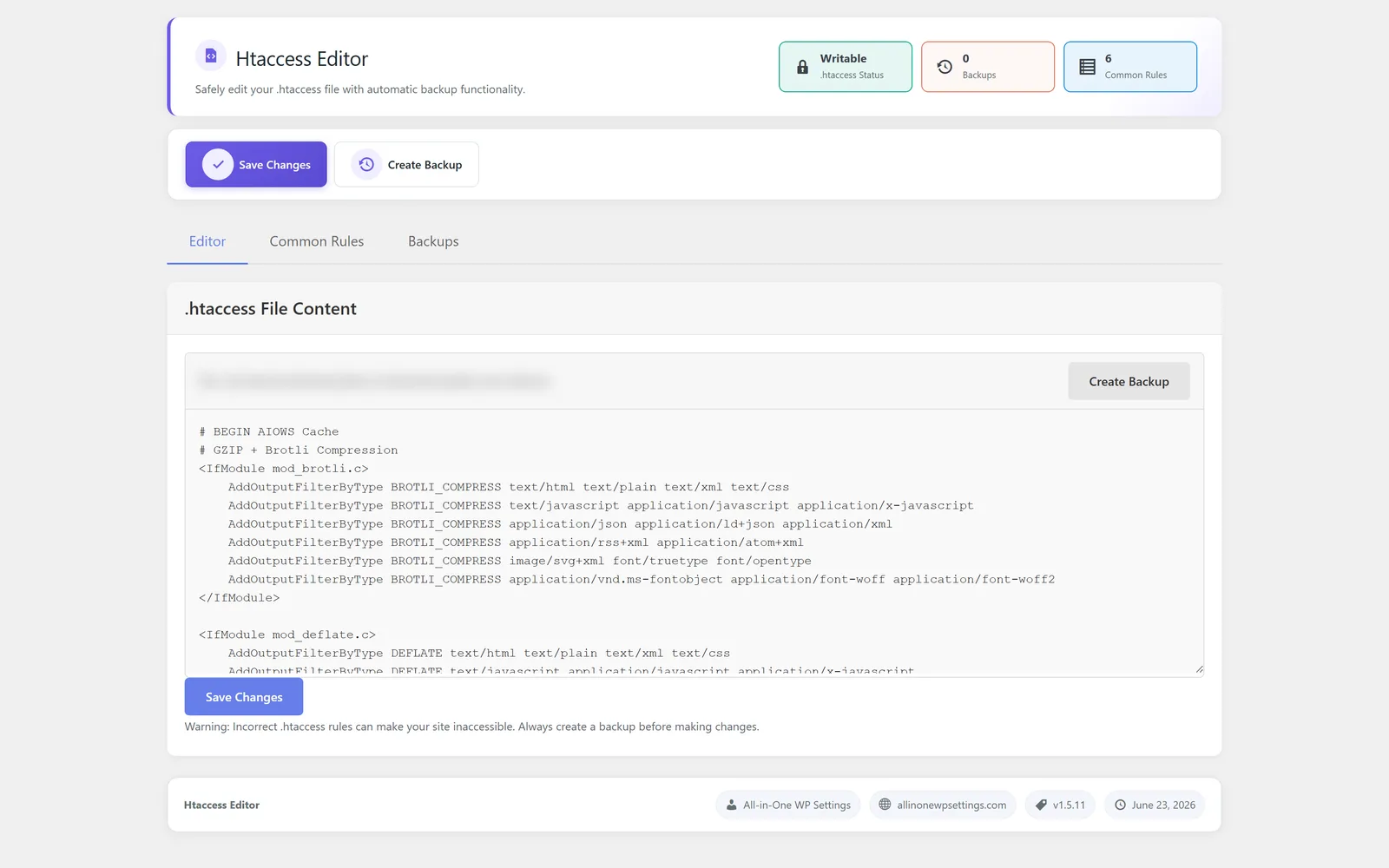
Expose Htaccess-related editing workflows with careful positioning and support context.
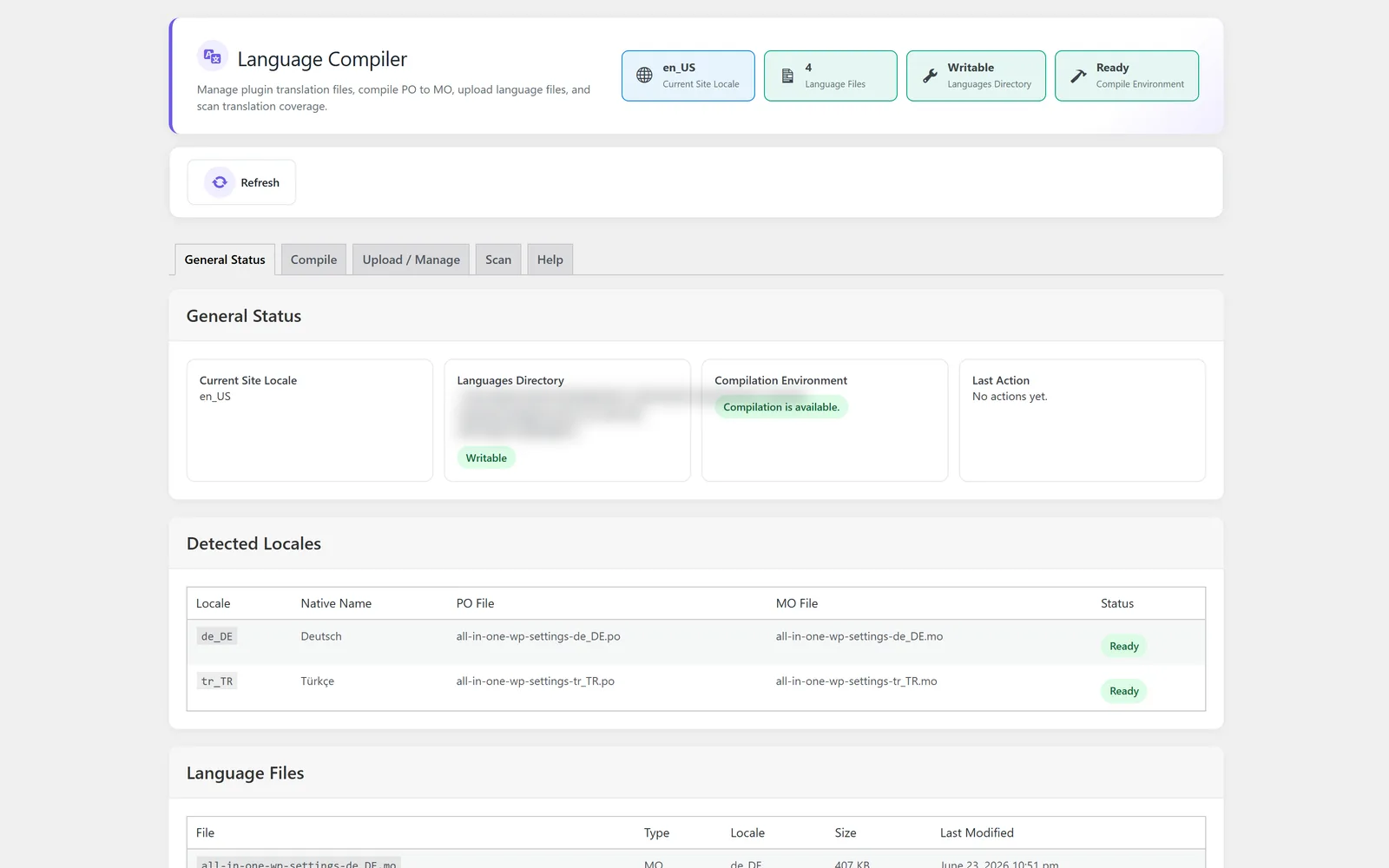
Support language-file workflows and translation maintenance for WordPress sites.
Control practical login and access experience settings from one operational module.
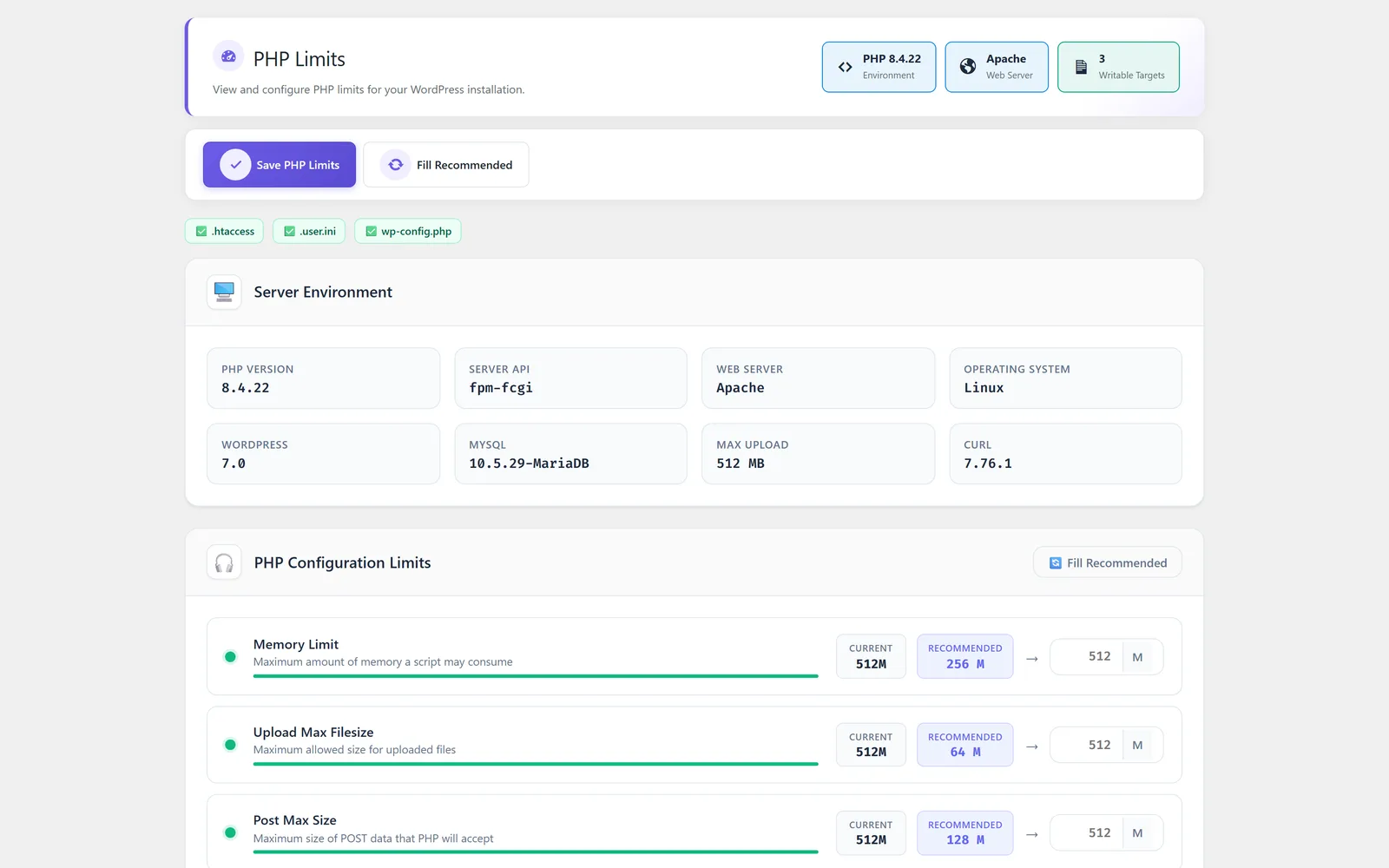
Surface PHP limit information and related settings context for WordPress troubleshooting.
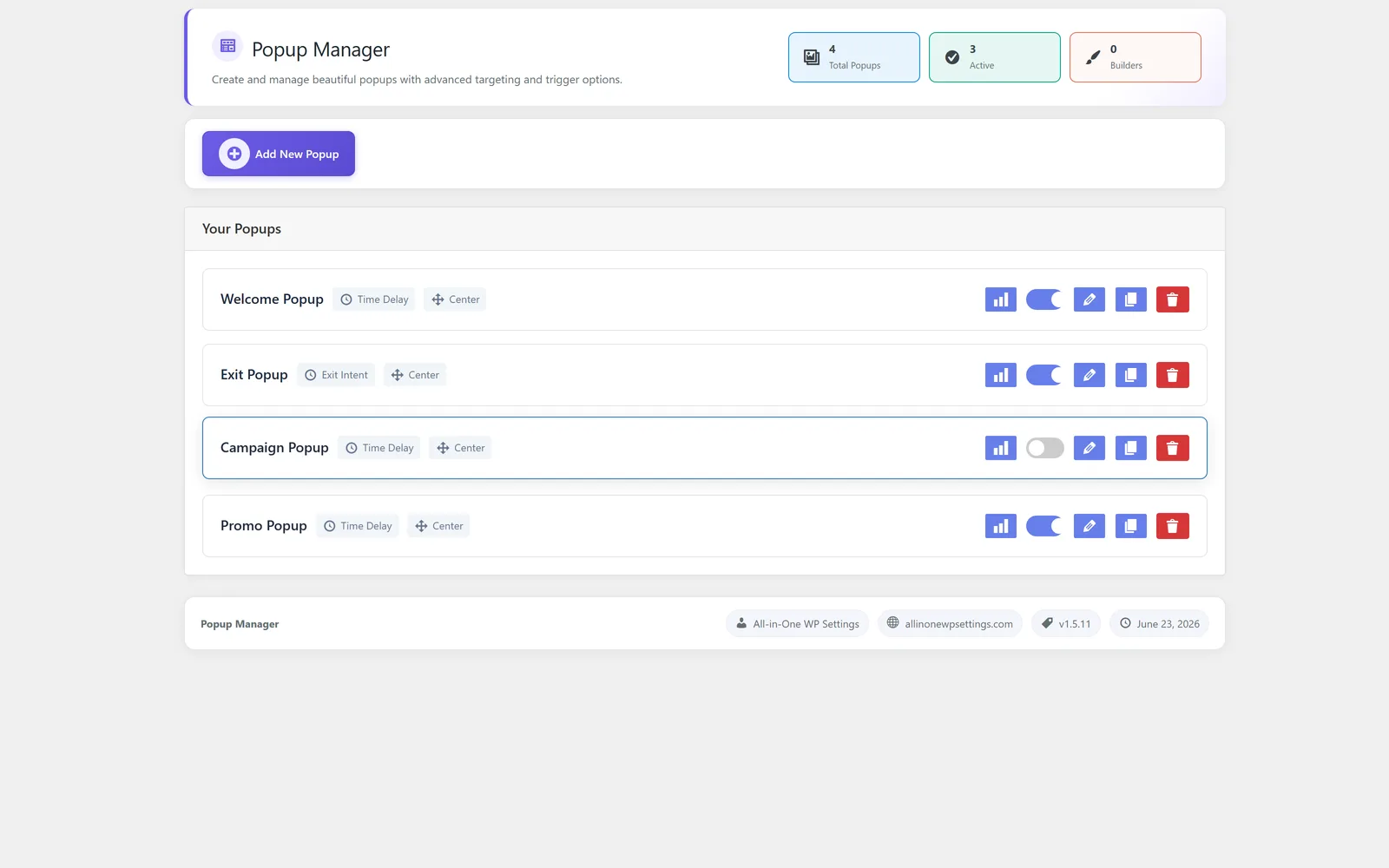
Manage popup behavior as part of the same product suite instead of a disconnected marketing plugin.
Use prepared popup structures so teams do not rebuild the same messaging patterns from scratch.
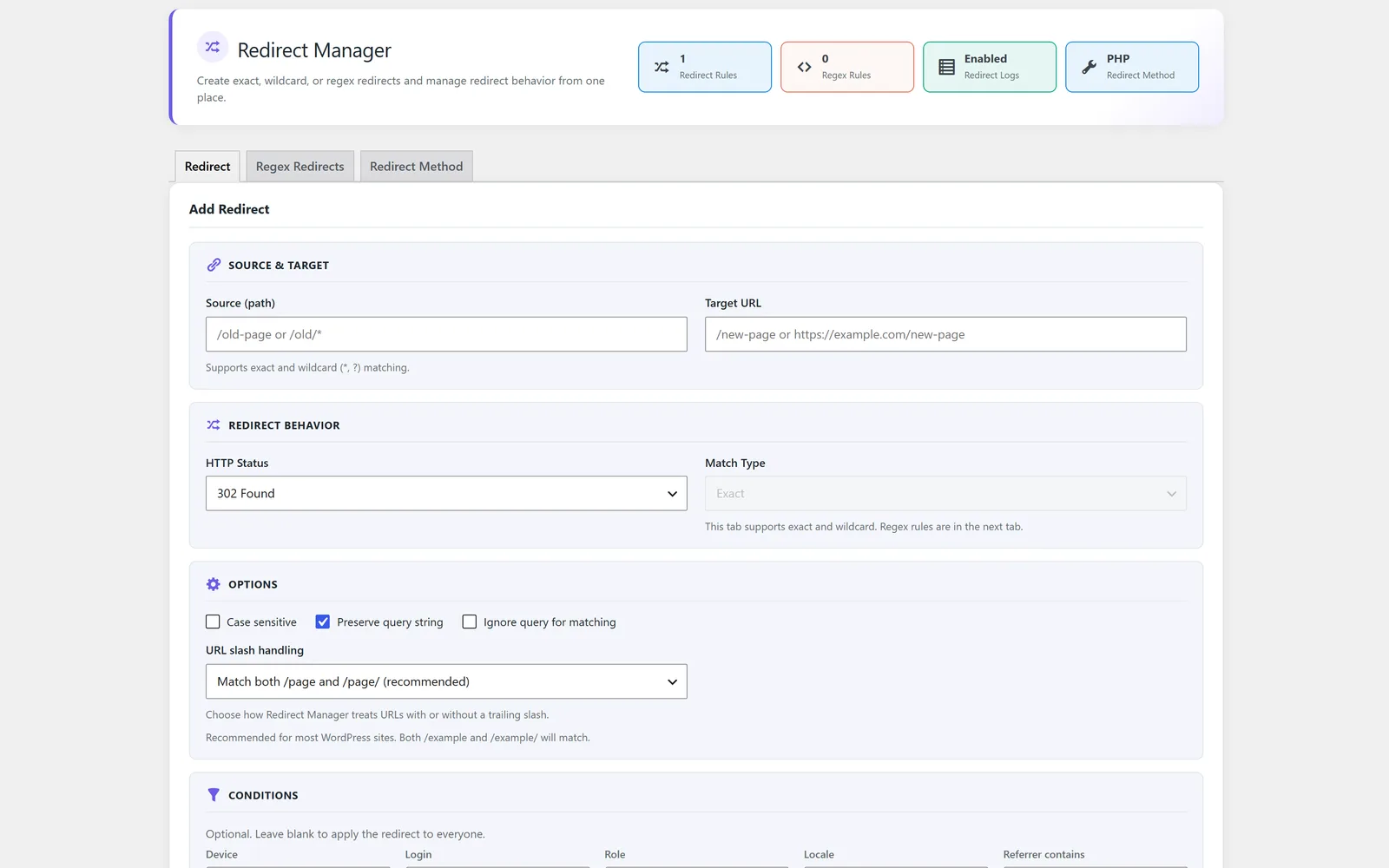
Organize common redirects in a visible workflow that supports SEO and maintenance hygiene.
Support careful find-and-replace workflows for content or configuration changes that need review.
Centralize SMTP email delivery settings so WordPress mail is easier to configure and support.
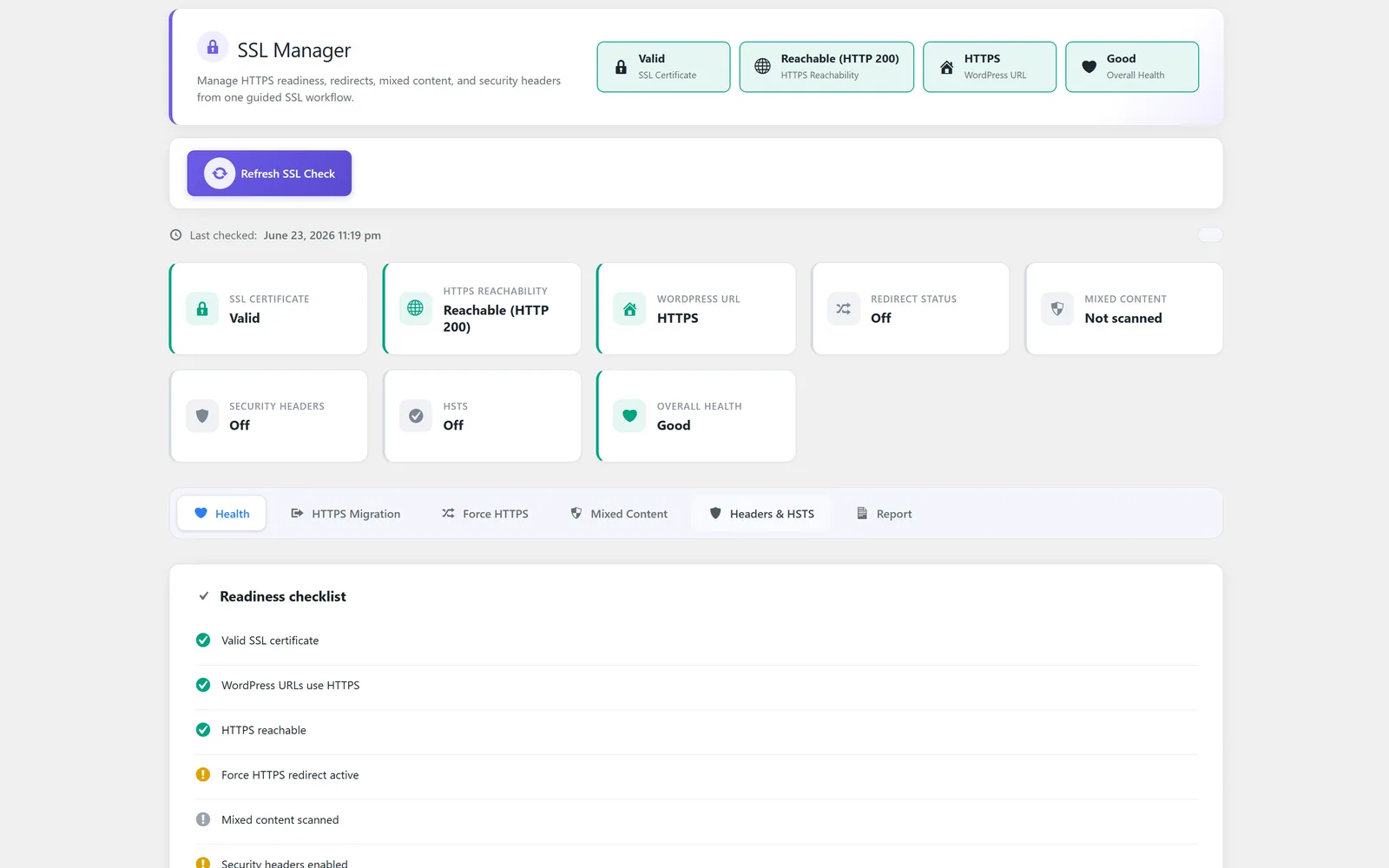
Support SSL-related checks and settings guidance for safer WordPress site operation.
Customers should not need to guess which features are locked behind which plan. All modules are available on every tier; the purchasing decision is simply the live production domain quota.
The module set is designed to reduce plugin sprawl while keeping sensitive controls visible and documented.
Customers can solve common settings tasks without stacking many small plugins.
Support starts from the same product and account that owns the license.
Each module has its own landing page, FAQ, media slots, and metadata.